
If your Facebook page is busy and the messages keep coming in, it’s fair to ask whether you need a website at all. Plenty of Australian small businesses start on Facebook, and it’s a great place to share photos and chat with locals. But a Facebook page and a website do different jobs. This guide explains what each one does well, where Facebook falls short, and how to make the two work together so you get more calls and enquiries.
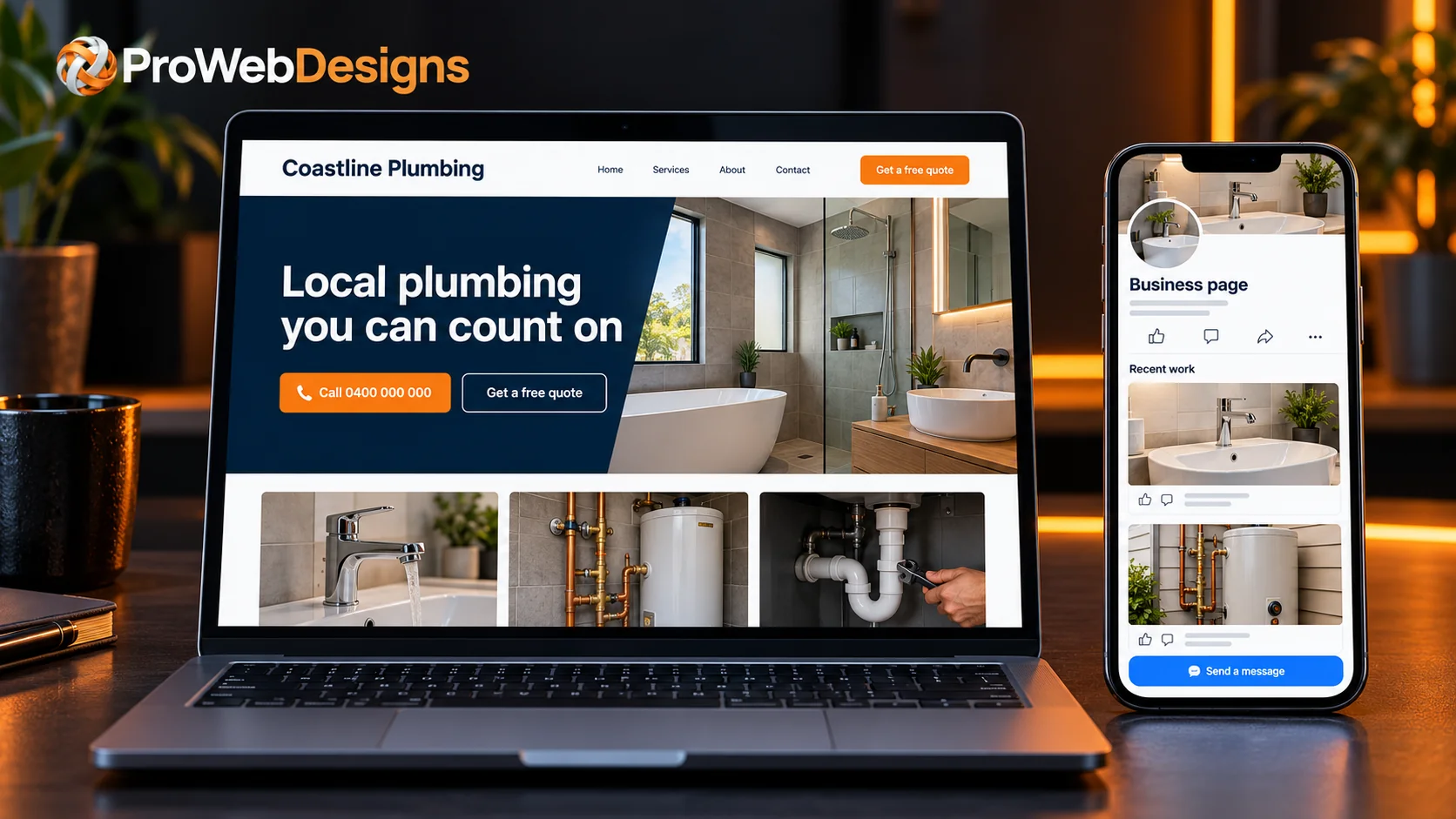
The short answer
- Keep your Facebook page. It’s great for photos, updates and staying in touch with locals who already know you.
- Add a website if you want new customers to find you. Many people search Google first, and a website gives you more ways to show up in those results.
- You own your website. Your Facebook page sits on someone else’s platform, under their rules, and it can be locked or hacked.
- A website builds trust. Your own web address, clear services and an easy contact form tell people you’re an established business.
- The best setup is both. Use Facebook to stay social and your website as home base, with each one linking to the other.
What a Facebook page does well
Let’s start with the good news. A Facebook page is free, quick to set up and easy to keep fresh. You can post a photo of a finished job from your phone in a minute, reply to messages, and let your regulars know about a special or a change in opening hours.
It’s also where a lot of word-of-mouth happens. When a happy customer tags you or shares your post, their friends see it. For cafés, salons, gyms and anyone with a local following, that’s valuable, and there’s no reason to give it up.
So this isn’t a choice between Facebook and a website. It’s about making sure you’re not relying on Facebook alone.
Where a Facebook page falls short
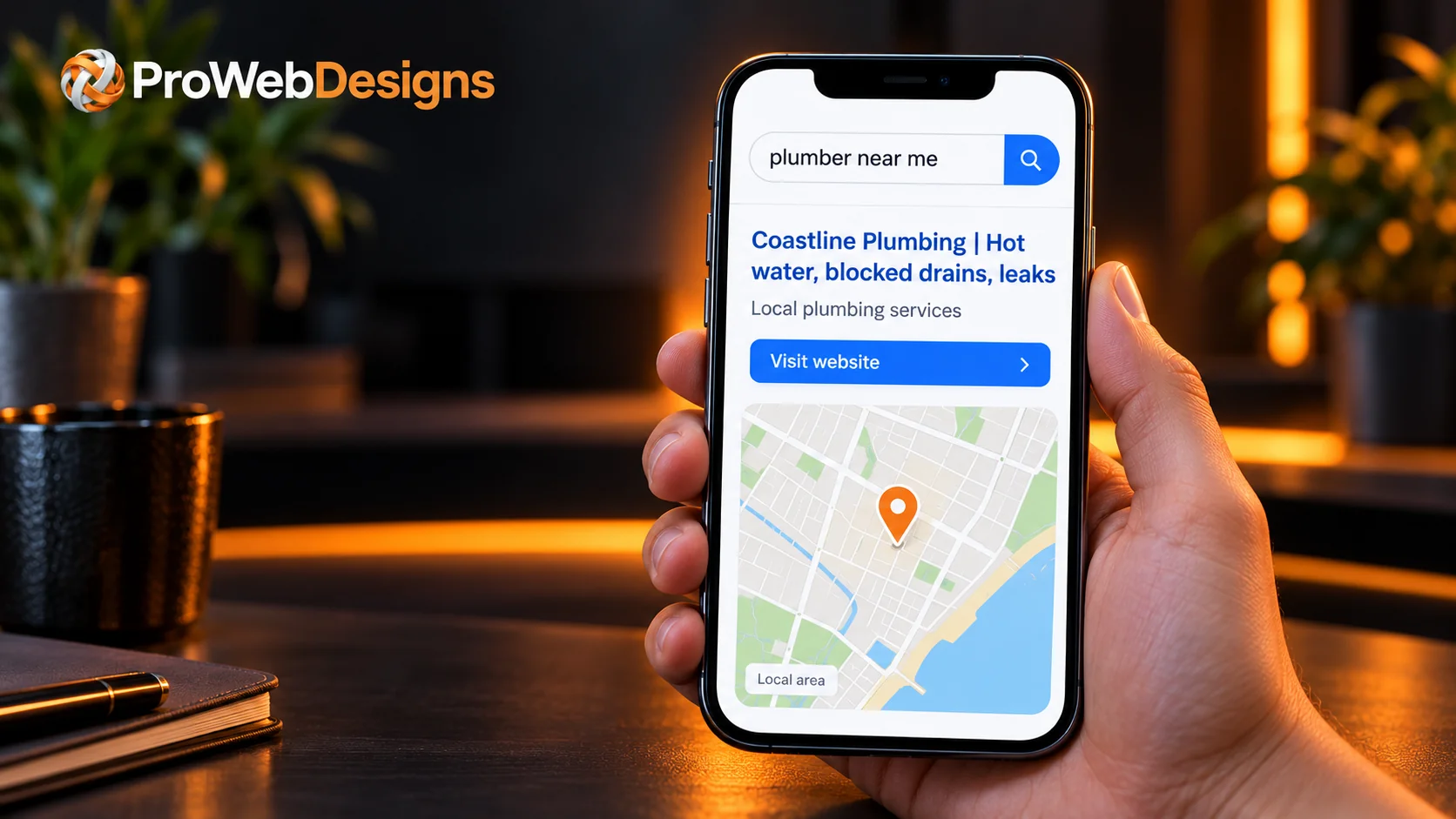
People who don’t know you yet often search Google first
Your Facebook followers already know who you are. The customers you haven’t met yet are often typing things like “electrician near me” or “bookkeeper Parramatta” into Google. A website with a page for each service you offer gives Google clear, detailed information to match against those searches. A Facebook page has far less room to explain everything you do.
Google also says that how well-known a business is affects local results, including how many websites link to the business. You can read this in Google’s own guide, Tips to improve your local ranking on Google. Having your own website gives other sites, directories and local groups somewhere to link to.
You don’t own your Facebook page
Your page lives on a platform you don’t control. The rules, the layout and who sees your posts can change at any time. Accounts also get hacked or locked, sometimes for reasons that take weeks to sort out.
The Australian Small Business and Family Enterprise Ombudsman’s guide, Using Social Media Securely, recommends turning on two-step login, limiting who has admin access, and considering a presence on more than one platform so you can keep trading if an account is disabled. A website is the most dependable “second place” you can have, because it’s yours.
Not everyone uses Facebook
Some of your potential customers don’t have a Facebook account, or don’t want to log in just to read about your business. Anyone can open a website on any phone or computer, no account needed.
It’s harder to look established
When someone is about to trust you with their home, their car or their money, they want to know you’re the real deal. A website with your own web address, your ABN, clear services, photos of your work and real reviews says “proper business”. An email address that matches your website (like hello@yourbusiness.com.au) helps too.
Facebook page vs website at a glance
| What matters | Facebook page | Your own website |
|---|---|---|
| Who owns it | The platform, under its rules | You do |
| Showing up on Google | Limited room to describe your services | A page for every service and area you cover |
| Who can see it | Some content works best when logged in | Anyone, on any device |
| Quote and booking forms | Mostly messages | Forms set up exactly how you want them |
| Your brand | Platform layout, ads and other businesses nearby | Your colours, your logo, your message |
| Day-to-day updates | Quick and easy from your phone | Best for information that doesn’t change every day |
| Cost | Free to set up | A one-off build plus small running costs |
What your website needs if Facebook is already working
If Facebook is bringing in work, your website doesn’t need to be huge. It needs to answer the questions a new customer has and make it easy to get in touch. Here’s what we’d include:
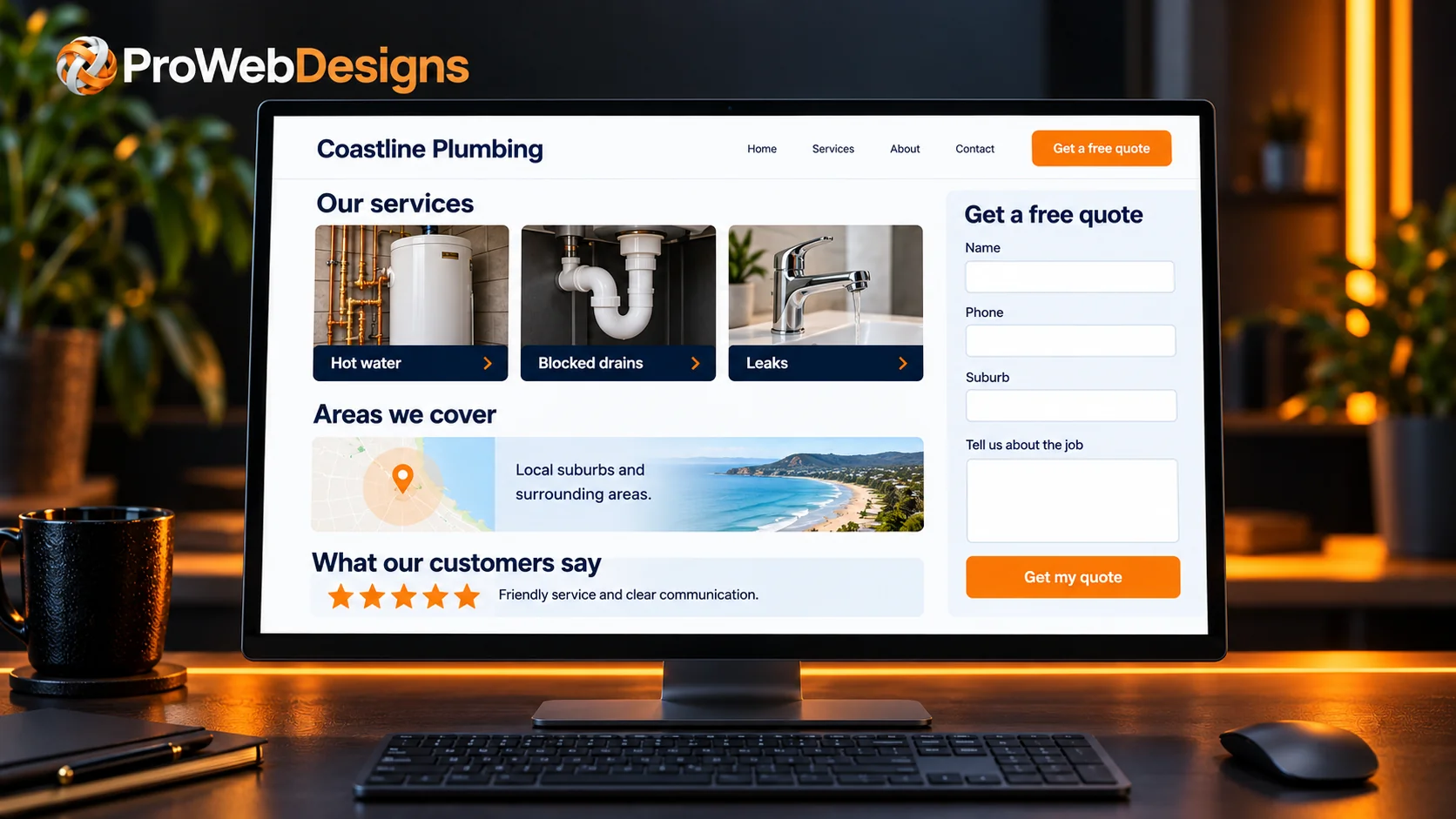
- A clear headline that says what you do and where you work
- Your phone number at the top of every page, tap-to-call on a phone
- A short section for each service, or a page each if you offer several
- Photos of real jobs, your team or your premises
- A few genuine customer reviews
- A simple quote or contact form that works well on a phone
- The suburbs or areas you service
- Your ABN, licence numbers if your trade needs them, and opening hours
- A link to your Facebook page, so people can see your latest posts
For a tradie, a single well-planned page can be enough to start. Our guide to what every trade website needs walks through it in more detail, and you can see more on our page about websites for tradies.
How to make Facebook and your website work together
The two work best as a team. Think of your website as home base and Facebook as the noticeboard down the street.
- Link both ways. Put your website address in your Facebook page’s details, and a Facebook link in your website’s footer.
- Send people to your website to enquire. When you post a finished job, add a line like “Get a free quote on our website” with the link.
- Keep details the same everywhere. Use the same business name, phone number and address on Facebook, your website and your Google Business Profile.
- Reuse your best photos. A great job photo can go on Facebook today and into your website’s gallery too.
- Set up your Google Business Profile. It’s free, it helps you show up on Google Maps, and you can add your website to it.
What does a website cost if I already have Facebook?
Less than many people expect. Because you already have photos, reviews and a good idea of what your customers ask, a lot of the groundwork is done. A simple one-page website is often all you need to start, and you can add pages later as your business grows.
We’ve written a full guide on how much a small business website costs in Australia, and our pricing page shows exactly what’s included in each package. After launch, our optional care plans look after hosting, email, security, updates and backups, so you can stay focused on the work. You can also browse websites we’ve built for other Australian businesses.
Frequently asked questions
Can I just use my Facebook page as my website?
You can, and some businesses do when they’re starting out. The catch is that you don’t own the page, it gives Google less to work with, and some people won’t see it without logging in. Adding a simple website alongside it covers those gaps.
Will a website replace my Facebook page?
No, and it shouldn’t. Keep posting on Facebook. Your website holds the information that doesn’t change much, like your services, areas, reviews and contact details, while Facebook keeps people up to date day to day.
Do I need a .com.au domain name?
For an Australian business it’s usually the best choice, because it tells customers you’re local. To register a .com.au you need a connection to Australia, such as an ABN. We can register it for you and set up matching email addresses.
I’m not very technical. Can I still have a website?
Absolutely. We build the website, help with the words and photos, and can look after the technical side afterwards. If you can post on Facebook, you’ll be fine.
How quickly can I get a website up?
It depends on the size of the site and how quickly the words and photos come together. A simple website can be ready fairly quickly. Get in touch and we’ll give you a clear timeframe for your project.
Not sure what your business needs?
Whether you’re starting from a Facebook page or already have a website that isn’t bringing in calls, we’ll take a look and give you friendly, practical advice. No pressure, and no job is too big or too small.